Add your kids
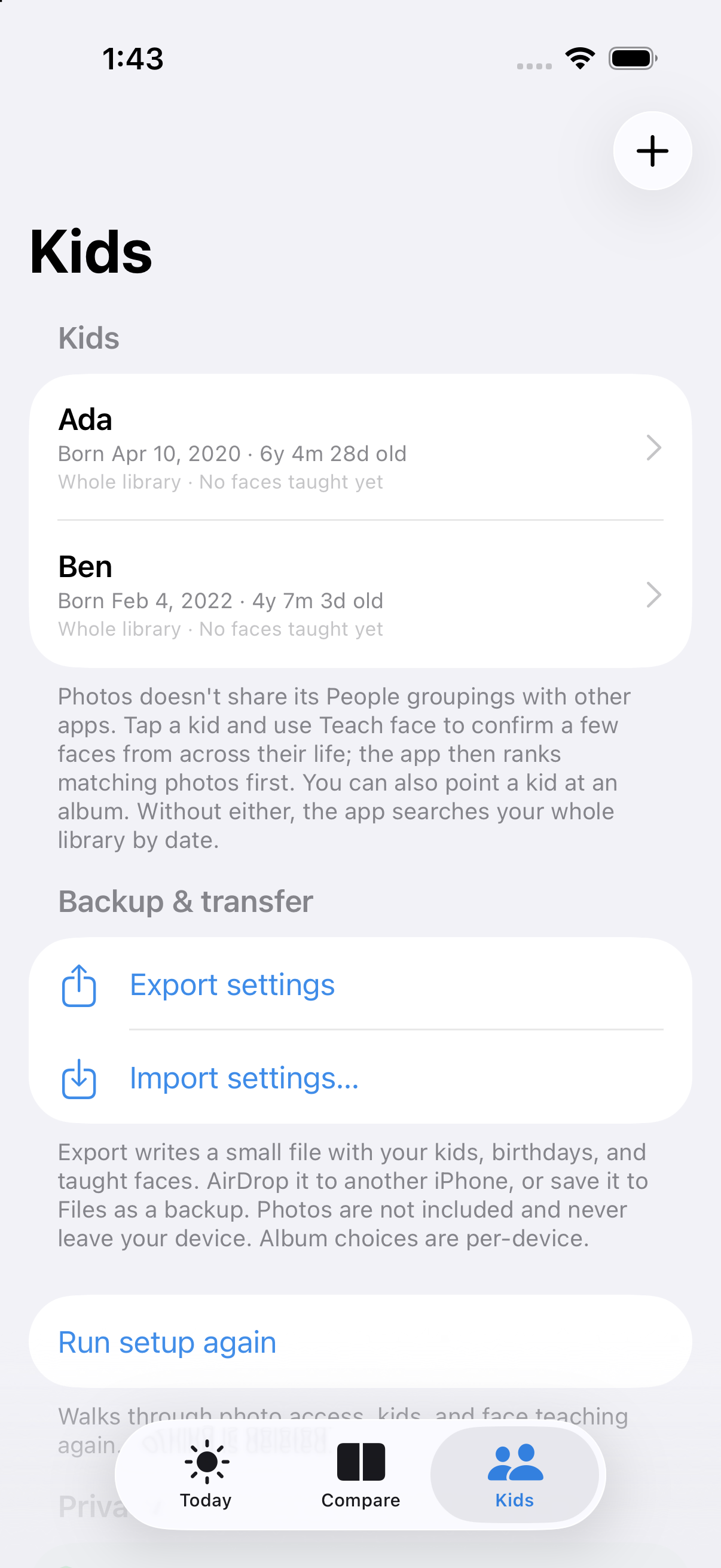
Enter their names and birthdays. Optionally teach the app a few faces to improve its matches.
 At That Age
A private photo time machine for siblings
At That Age finds the moment your older kid was exactly as old as your younger kid is today—then puts the photos side by side.
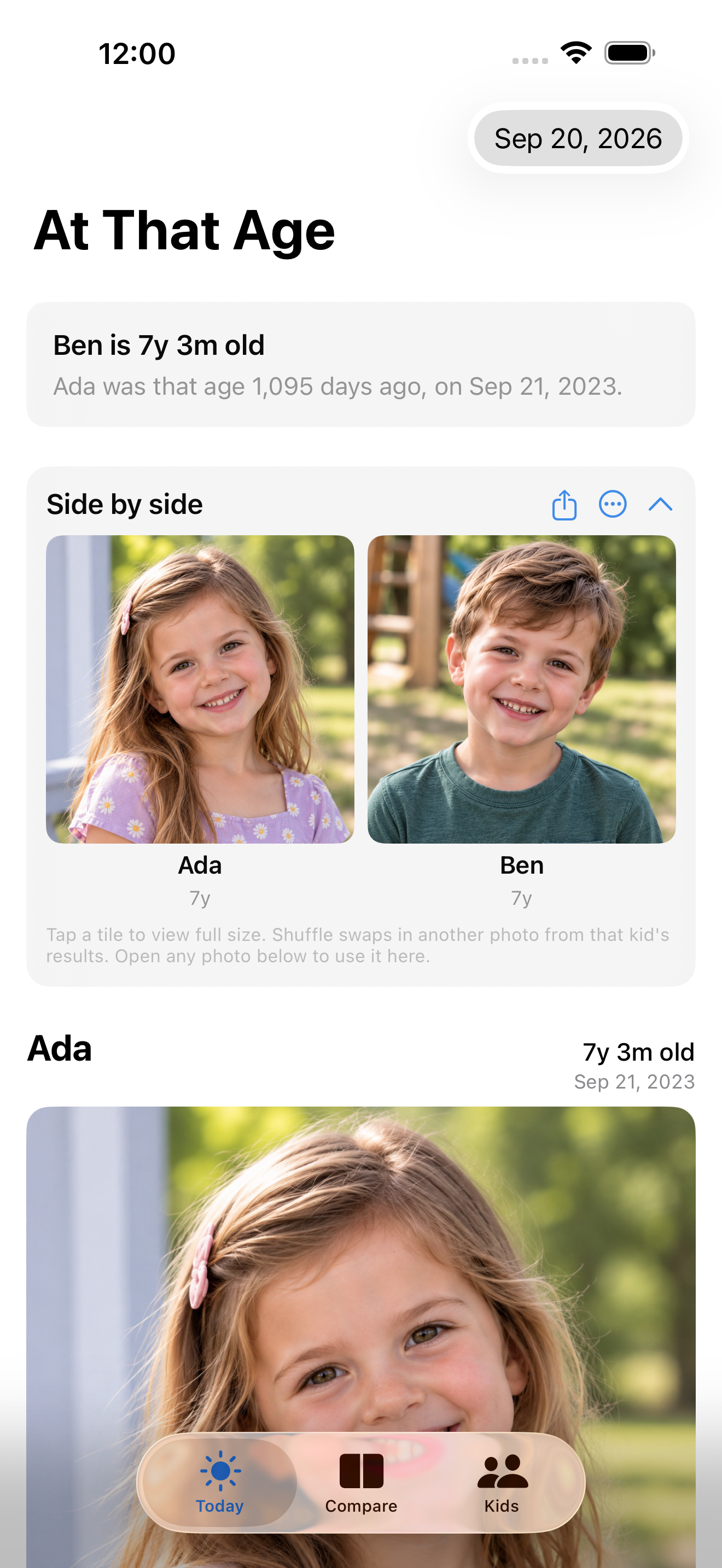
Today: Ben is 7 years, 3 months old.
Ada was that age 1,095 days ago.
Your camera roll remembers
Birthdays do the math. Your photo library supplies the memories. At That Age brings the right moments together.
Enter their names and birthdays. Optionally teach the app a few faces to improve its matches.
The app searches nearby dates and ranks the best photos for each child—all on your iPhone.
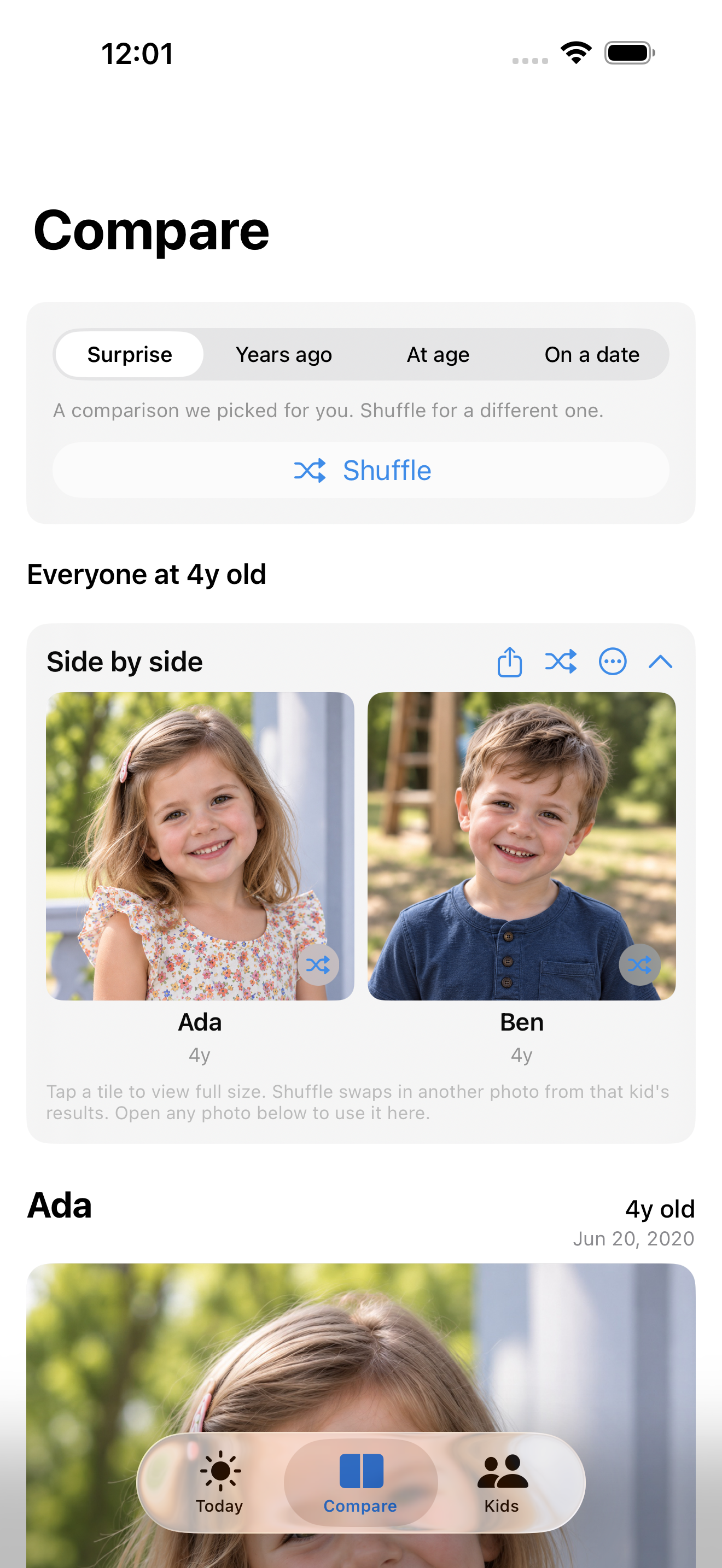
Compare everyone side by side, try another age or date, and share the result with family.
Not just today
See everyone at six months old. Revisit this day three years ago. Or choose a date that matters to your family.
Today and a fresh comparison are free each day. Choosing any age or date is a one-time unlock.
Private by design
Photo search and face matching happen on your iPhone using Apple’s Photos and Vision technologies.
Photos may download originals from your iCloud Photo Library when needed, just as they do in other photo apps. Your saved kids and face signatures are included in normal device backups.
Good to know
No. At That Age can search your whole library by date. For more accurate results, you can optionally teach it each kid’s face or point it to a Photos album.
No. The app has no developer-operated server. Photo lookup and face matching run locally on your iPhone.
You can always see today’s comparison plus one different comparison the app picks each day. Choosing any age or date is available as a one-time purchase.
Yes. Export a small settings file containing names, birthdays, and taught face signatures, then AirDrop or import it on another iPhone. Your photos are never included in that file.
The years move fast